Offsite Data Backup with Immutable Storage
It’s your data. This is the one area where we require your deep involvement.
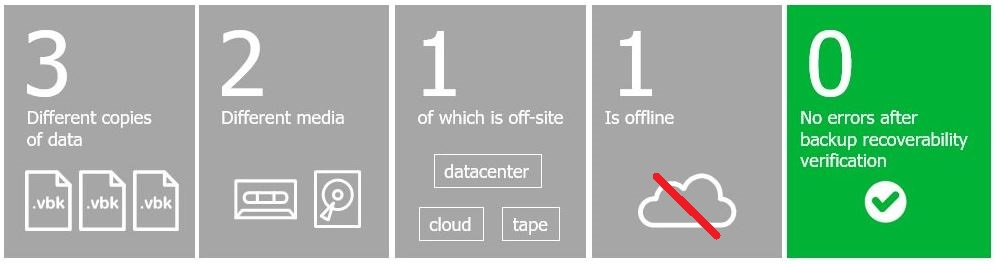
- 3 copies of any important file: 1 primary and 2 backups
- 2 different media types to protect against different types of hazards
- 1 stored offsite (e.g., outside your home or business facility)
- 1 copy is offline
- 0 errors after backup recoverability verification
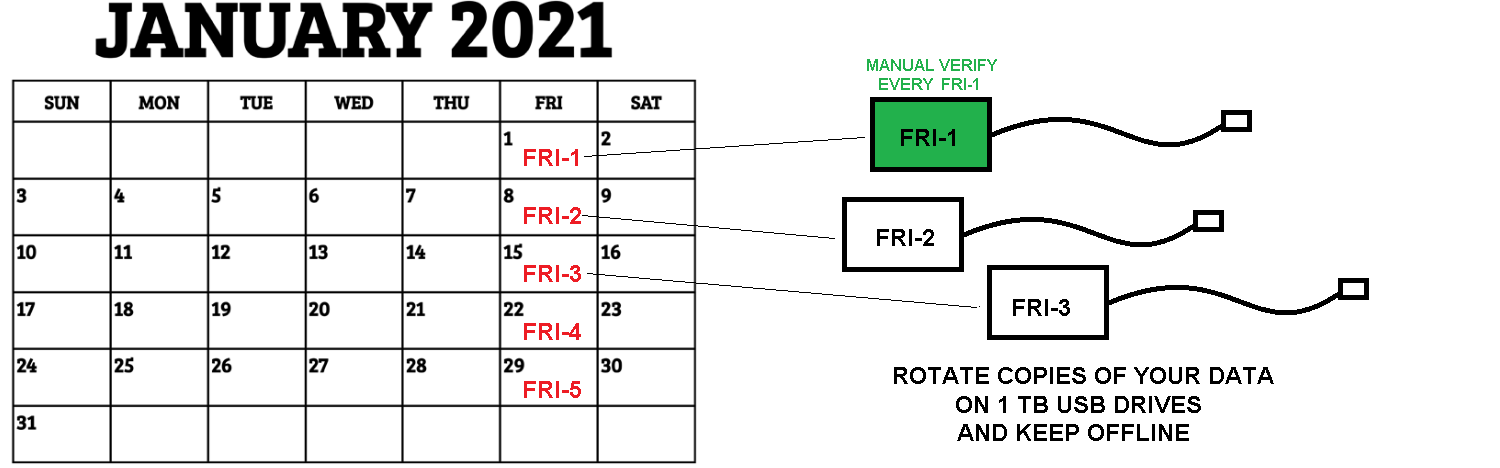
Google “data backup 3-2-1” and you will find the old industry accepted method on data backup. Using daily and weekly “Friday 1 – Friday 5” this method included offline storage. In light of ransomware attacks, offline storage that can’t be encrypted from the commands of a virus infected connected computer has led to this updated method.
Chances are good you will get a virus no matter how well protected you are. It is critical that you have multiple backup versions so you can:
- restore to a non-infected point
- restore from data loss or overwrite
Our Backup Policy requires customer involvement
1) Raid drives on your server to mirror data across two drives: If a drive fails, the second drive takes over. Yet, this does not defend against ransomware.
2) Daily off-site backup to our data center using Veeam. We follow the manufacturer’s methods and procedures on this product. This provides several versions of backup so you can restore to a point before an infection, or before any data loss. We email a daily report on success or failure to the customer’s primary contact. If you already work in the cloud for all data then “offsite” would be your office. See item #3.
3) Monthly customer initiated data restore test. The customer creates a schedule in their appointment reminder system (e.g., Outlook) to delete a non-critical file, and then calls us to restore the file.
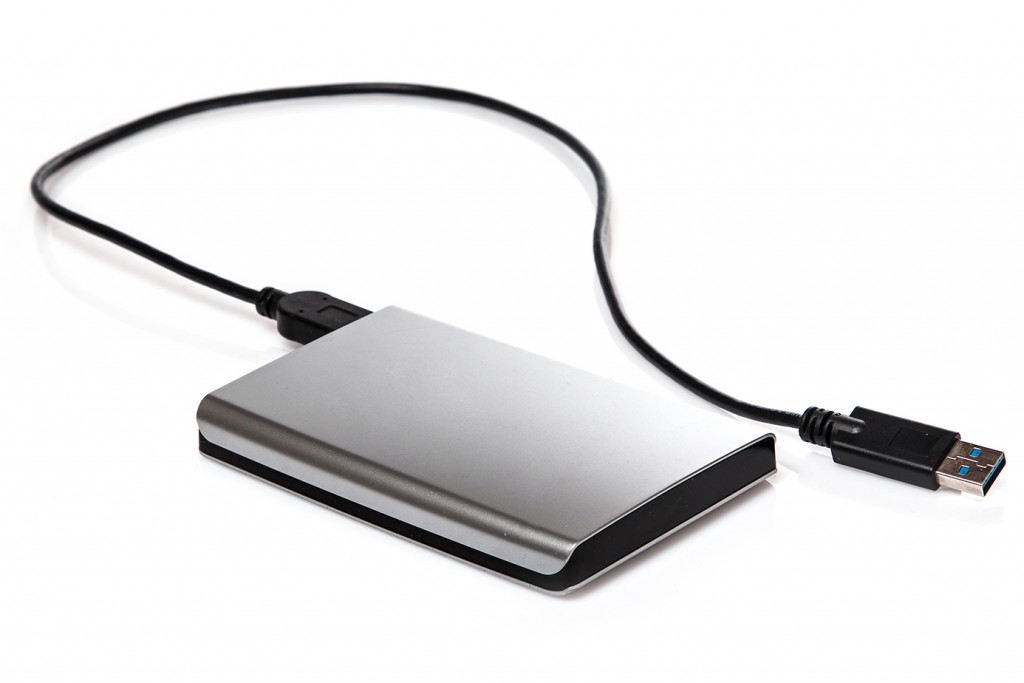
4) It’s your data. Some customers choose backup to an external USB drive.
A 500GB drive cost less than $100. Using a USB 3.2 Rev 2 connection, they backup data at over 5GB per minute. Most backups take less than 1 hour.
This process also keeps you involved in understanding how your data is organized. Maintaining well structured and updated documents on your premise or cloud server helps your employees efficiently retrieve data required to do their jobs.
This 1TB drive is an offline and offsite copy rotated by the customer. A set of 5 cost $250. It backups at 1 GB/minute.
A 3.2 USB drive has been is tested to transfer at at 10GB/minute in our lab tests. This means the process can be done in 10 minutes for most customers. Backup and do some exercise at the same time ! Set a routine.